














Why Choose SOLIDWORKS Electrical?
Why Choose SOLIDWORKS Electrical?
SOLIDWORKS Electrical eliminates time-consuming manual processes such as spreadsheet management and documentation audits. By automating routine tasks and reducing errors, it frees engineers to focus on developing innovative electrical systems and bringing better products to market faster.
SOLIDWORKS Electrical Capabilities
SOLIDWORKS Electrical Capabilities
SOLIDWORKS Electrical is a comprehensive solution that combines powerful 2D schematic design, 3D CAD collaboration, PCB integration, and cloud connectivity. Together, these tools provide everything you need to efficiently address the demands of today’s evolving electrical design landscape.
Intelligent Schematics
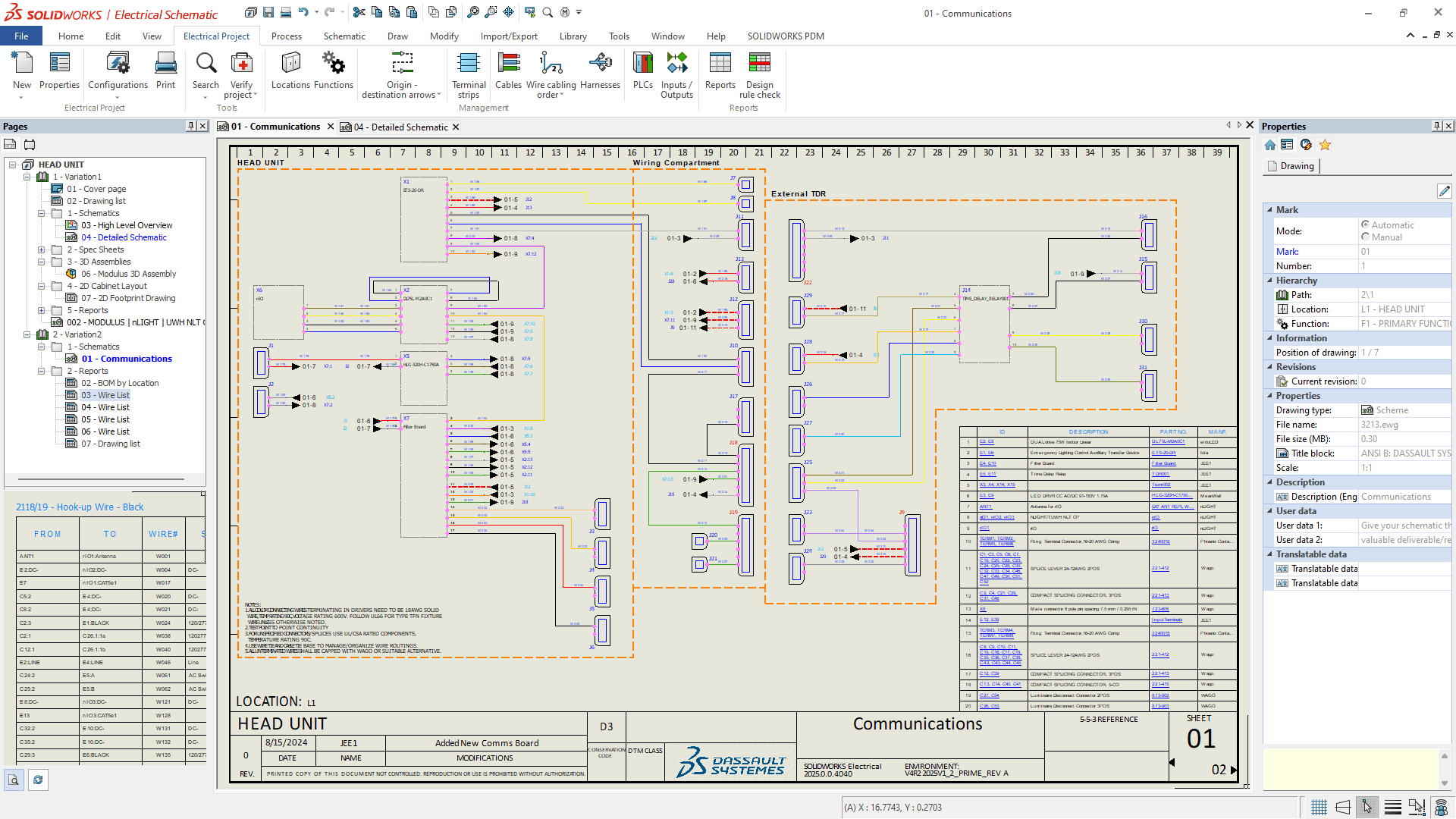
Intelligent Schematics
Parametric design: Reduce human error and save time on repetitive tasks such as circuit reuse, wire numbering, and component replacement with SOLIDWORKS’ powerful parametric design capabilities. Rapid system development: Streamline repetitive tasks with automation, access extensive symbol and manufacturer part libraries, and generate reports in seconds—all while maintaining consistent schematic layouts throughout your project.
Streamlined Collaboration
Streamlined Collaboration
Electrical engineering collaboration: Enable multiple electrical engineers to work simultaneously on the same project, reducing version conflicts and improving team efficiency. Electrical and mechanical integration: Connect electrical and mechanical design workflows seamlessly, ensuring consistency across project documentation and keeping both teams aligned throughout the design process.
3D Visualization
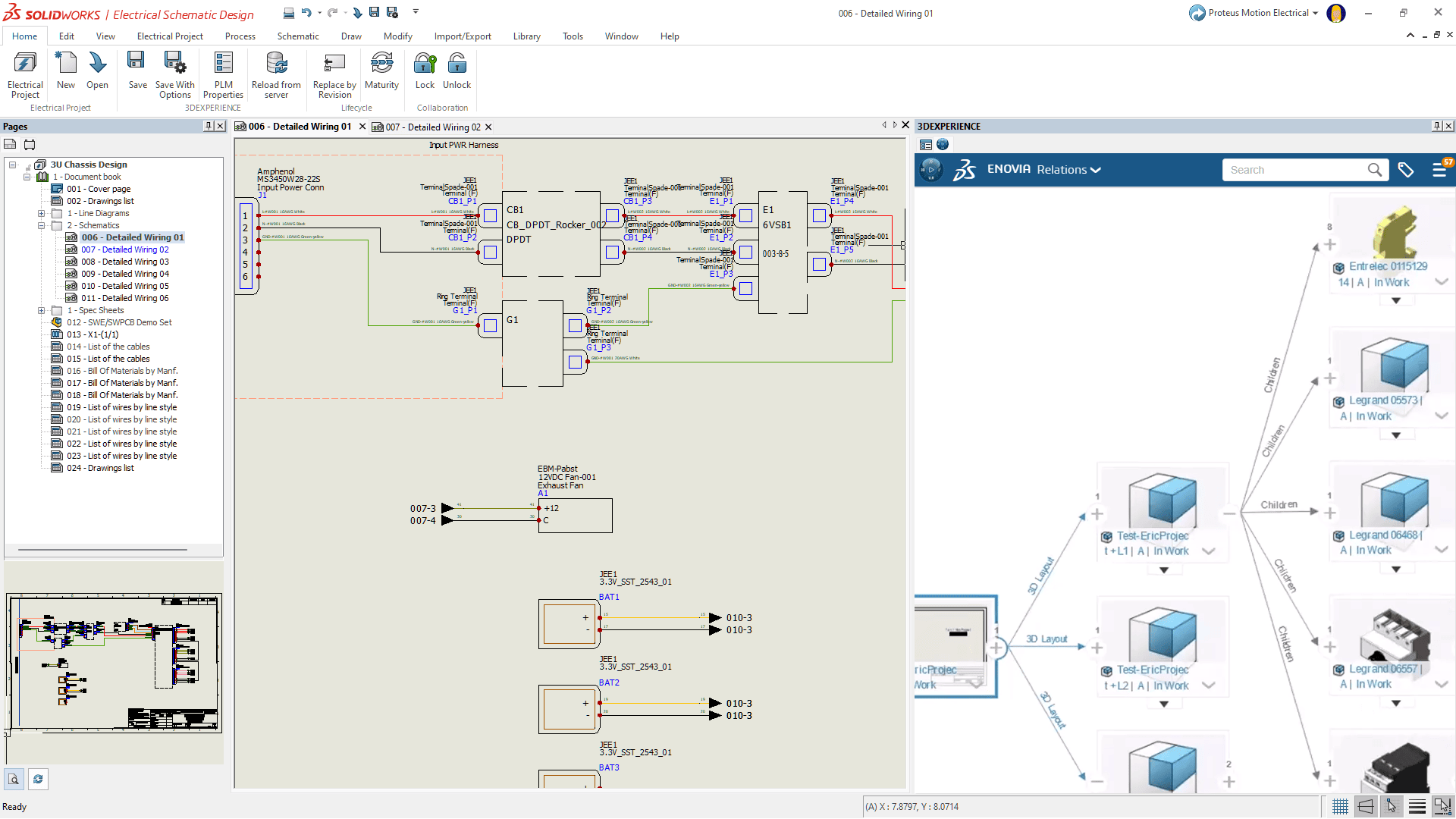
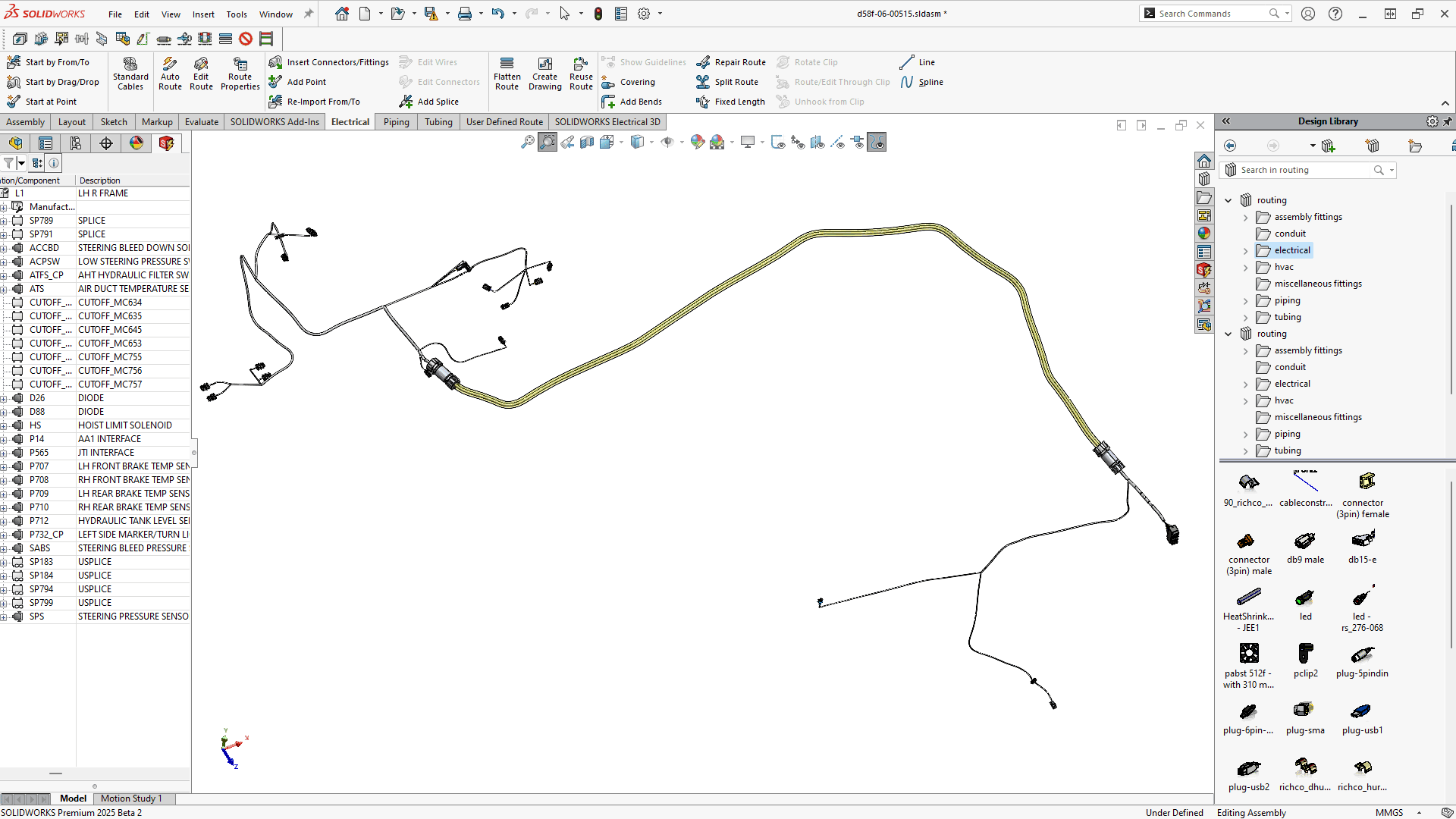
3D Visualization
Precise Wire Harness Design: Define and document accurate 3D routing and wire lengths before producing a physical prototype, reducing material waste and development costs while accelerating time to production. Design Intent: SOLIDWORKS Electrical captures design intent by maintaining relationships, parameters, and model behavior throughout the design process. This helps preserve design integrity and automatically adapt to changes in dimensions and other design attributes.
3D Visualization
3D Visualization
Virtual Twin: Create a comprehensive digital twin of your product, from detailed technical documentation to photorealistic visualizations for marketing and presentation. SOLIDWORKS Electrical helps bring your product story to life from initial design through production. Reduced Physical Prototyping: Validate designs, component fit, and wire harness routing digitally using intelligent schematics, 3D integration, and visualization tools. Reduce the need for physical prototypes while saving time, lowering costs, and minimizing material usage.
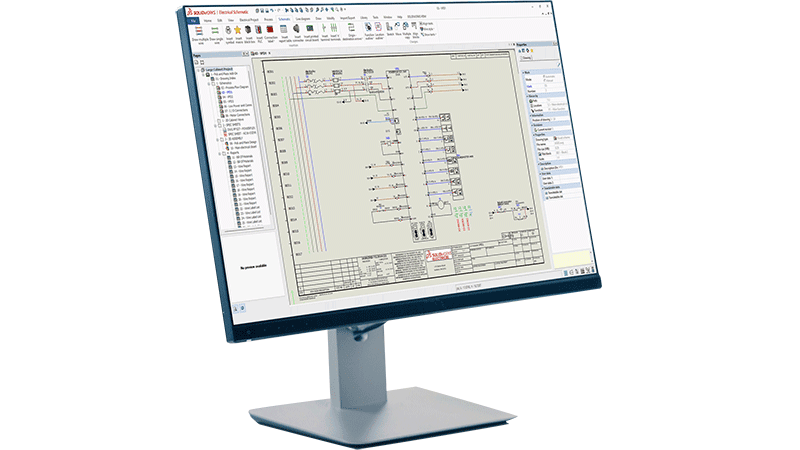
Electrical Schematic
SOLIDWORKS Electrical Schematic is a versatile schematic design solution that delivers powerful tools for electrical, hydraulic, pneumatic, and PFD/P&ID applications. It streamlines the design process by automating repetitive tasks, generating reports in seconds, and automatically updating documentation as your design evolves. By reducing manual work and improving workflow efficiency, SOLIDWORKS Electrical Schematic allows engineers to spend less time on routine tasks and more time focused on design and innovation.
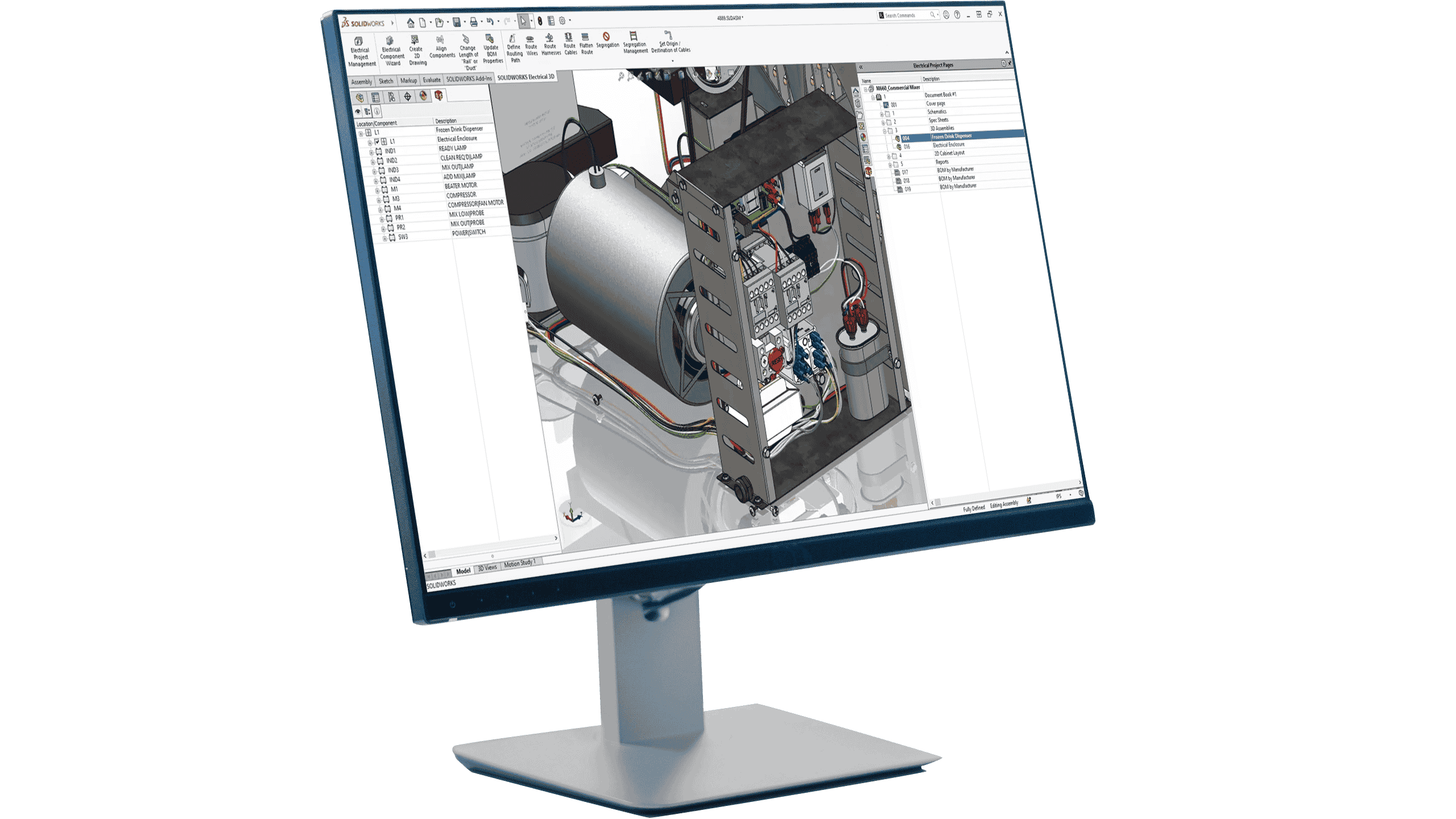
Electrical 3D
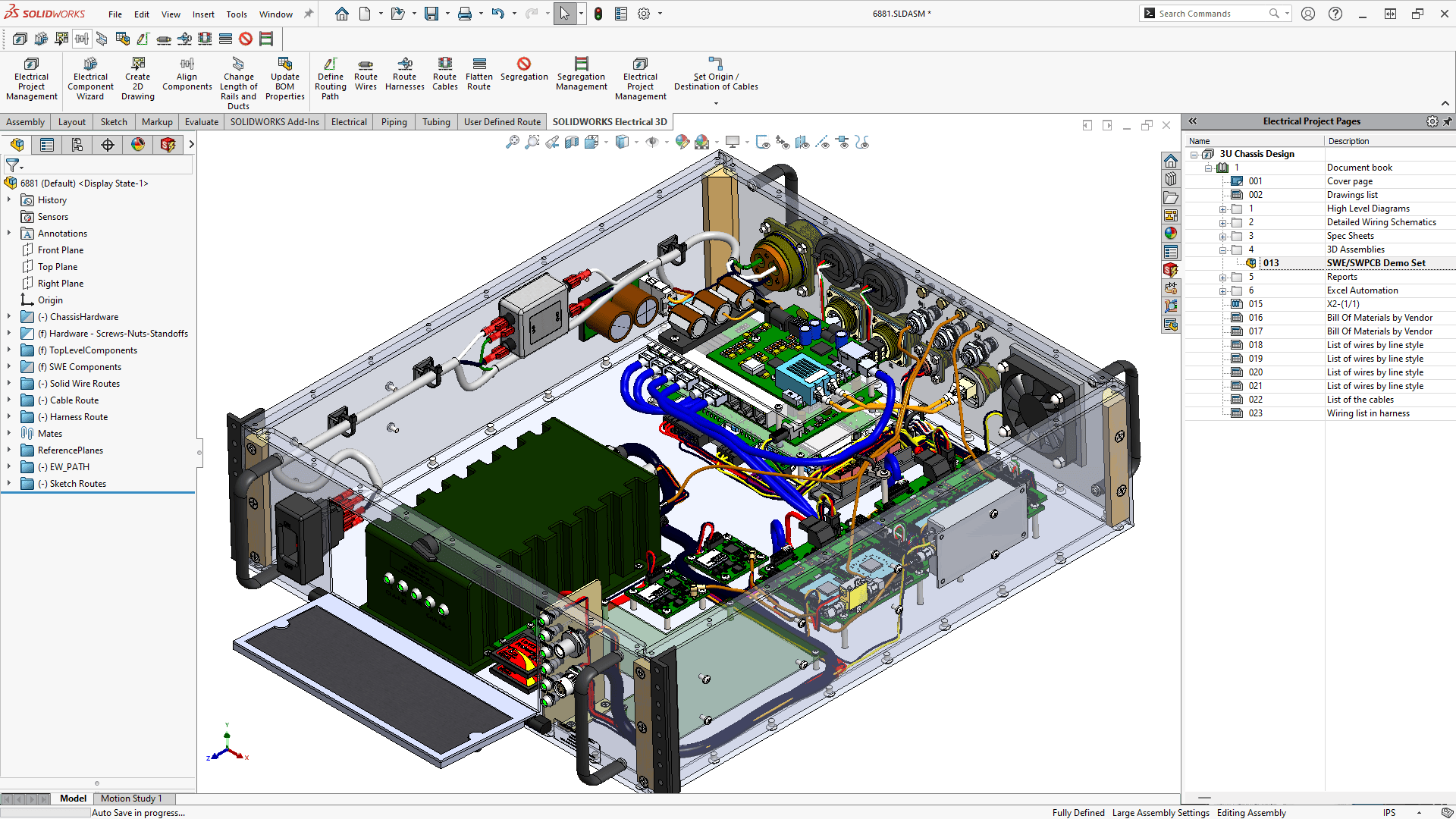
SOLIDWORKS Electrical 3D bridges the gap between 2D electrical schematics and 3D mechanical designs, enabling seamless integration between electrical and mechanical workflows. By incorporating 2D electrical designs into the 3D CAD environment, engineers can optimize wire, cable, and harness routing and determine accurate lengths before production. Design data and documentation can also be automatically synchronized between electrical and mechanical projects, improving coordination, accuracy, and overall design efficiency.
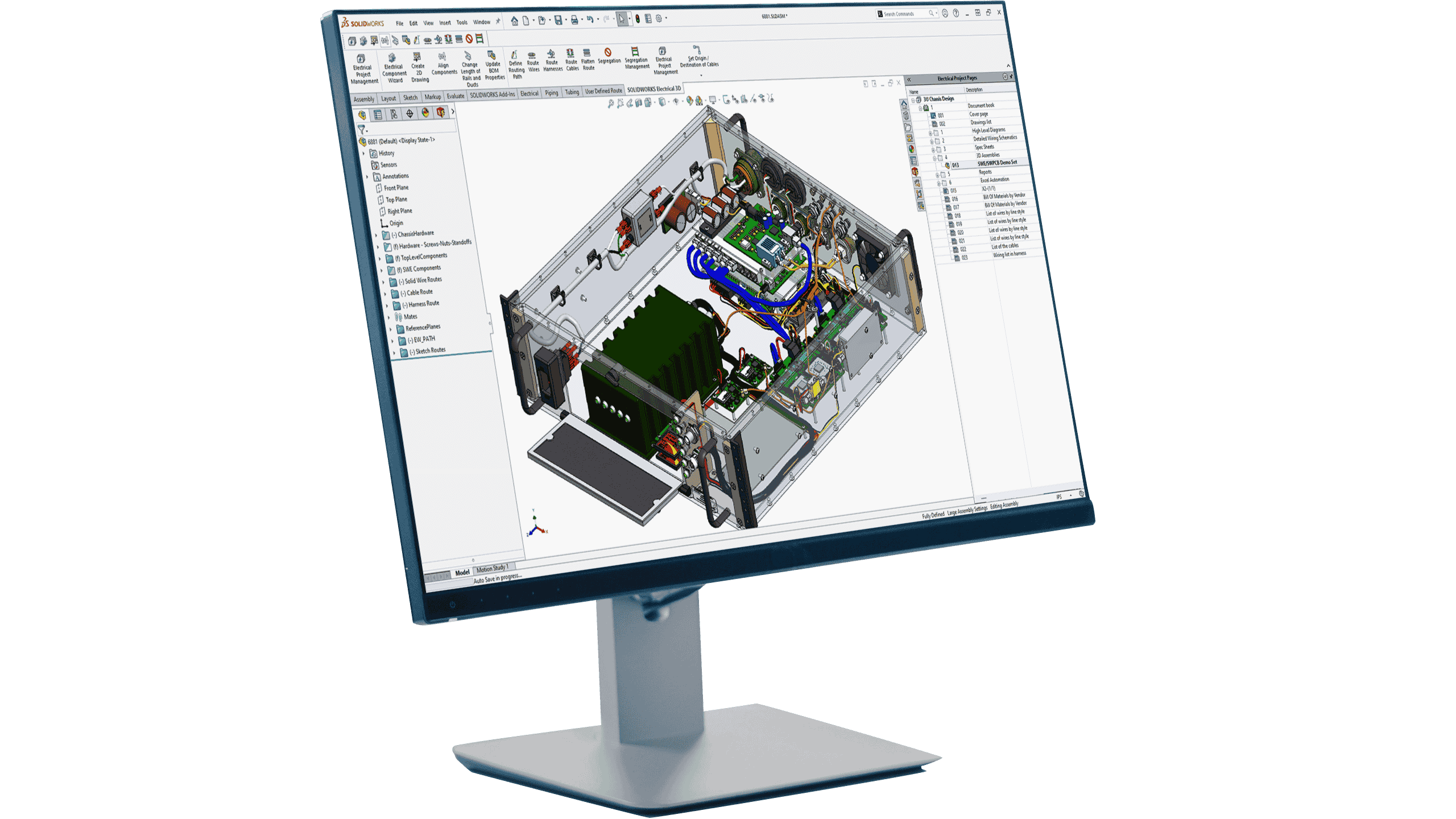
Electrical Professional
SOLIDWORKS Electrical Schematic is a versatile schematic design solution that delivers powerful tools for electrical, hydraulic, pneumatic, and PFD/P&ID applications. It streamlines the design process by automating repetitive tasks, generating reports in seconds, and automatically updating documentation as your design evolves. By reducing manual work and improving workflow efficiency, SOLIDWORKS Electrical Schematic allows engineers to spend less time on routine tasks and more time focused on design and innovation.
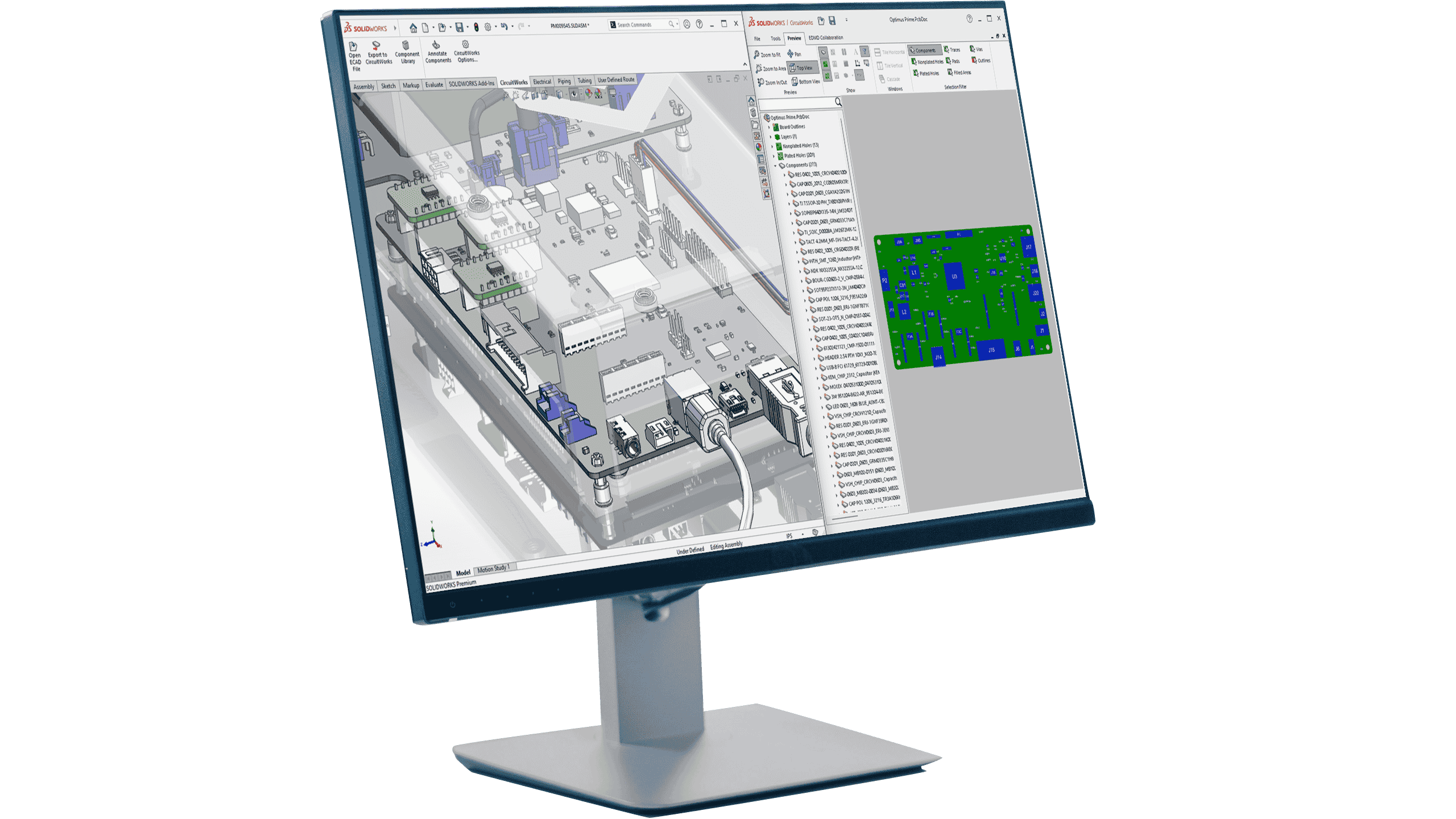
CircuitWorks
CircuitWorks is an add-in for SOLIDWORKS Design that connects PCB design with the SOLIDWORKS ecosystem, enabling greater collaboration between ECAD and MCAD teams. CircuitWorks allows users to import PCB layout data directly into parametric SOLIDWORKS designs, while also enabling mechanical assemblies created in SOLIDWORKS to be exported to compatible PCB design tools. This bidirectional workflow keeps electrical and mechanical design teams connected, improves collaboration, and integrates seamlessly into existing design processes.